Handwritting Processing for OCR
Runs a Core Image pipeline to desaturate, boost contrast, and sharpen a captured image before passing it to Vision for OCR, significantly improving handwriting recognition accuracy.
static func preprocessForHandwriting(_ image: UIImage) -> CGImage? {
    guard let cgImage = image.cgImage else { return nil }
    let ciImage = CIImage(cgImage: cgImage)

    let controls = ciImage.applyingFilter(
        "CIColorControls",
        parameters: [
            kCIInputSaturationKey: 0.0,      // Grayscale
            kCIInputContrastKey: 1.45,       // Boost contrast
            kCIInputBrightnessKey: 0.05
        ]
    )

    let sharpened = controls.applyingFilter(
        "CIUnsharpMask",
        parameters: [kCIInputRadiusKey: 2.0, kCIInputIntensityKey: 0.85]
    )

    let context = CIContext(options: nil)
    return context.createCGImage(sharpened, from: sharpened.extent)
}
Quiz Generation from Scanned Content
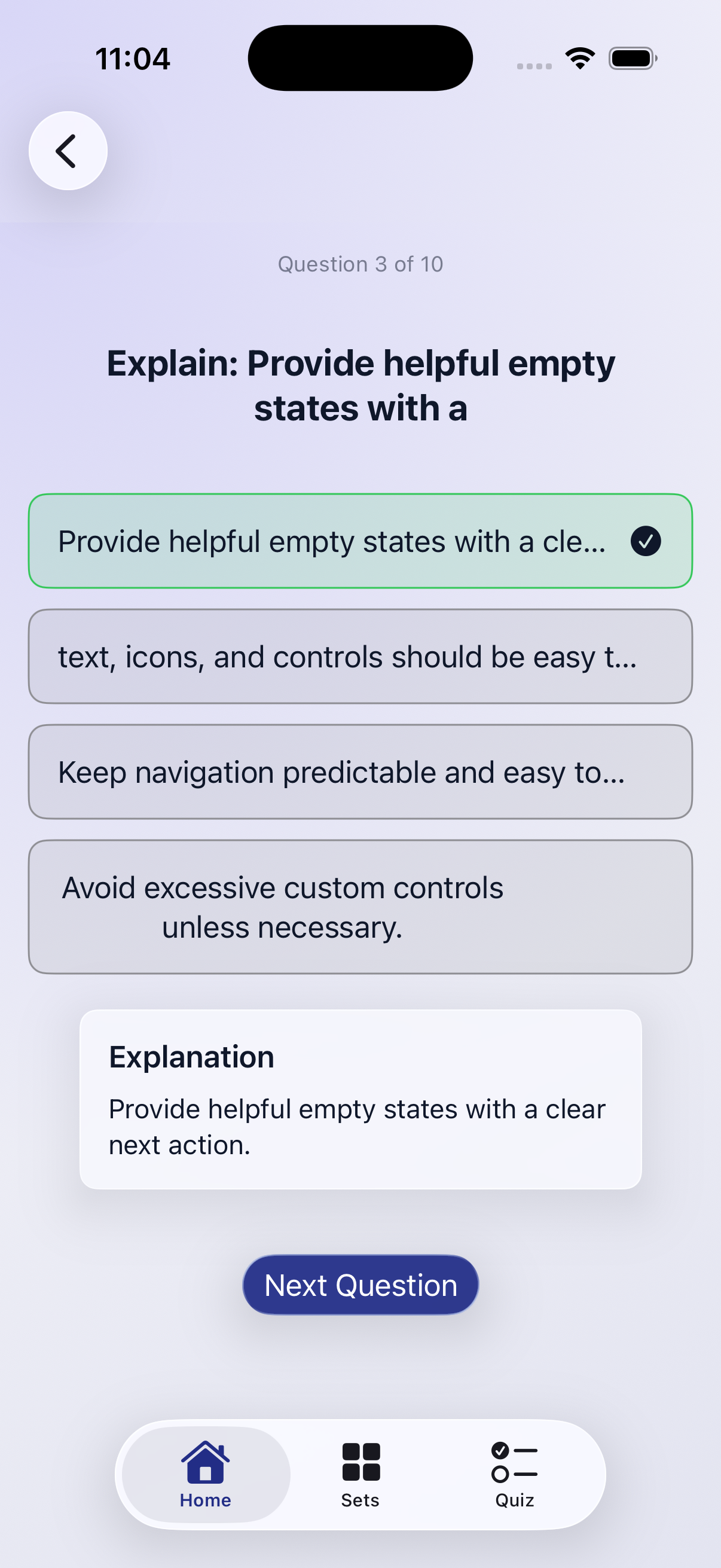
Builds multiple-choice questions from approved flashcards, preferring distractors with similar answer length to avoid obvious wrong answers and falling back to placeholder options when the pool is too small.
struct QuizGenerator {


    func generateQuiz(from flashcards: [Flashcard]) -> [QuizQuestion] {
        let approvedCards = flashcards.filter { $0.approved }
        guard !approvedCards.isEmpty else { return [] }

        var questions: [QuizQuestion] = []
        questions.reserveCapacity(approvedCards.count)

        let allAnswers = uniqueAnswers(from: flashcards.map { $0.answer })

        for (index, card) in approvedCards.enumerated() {
            let correctAnswer = card.answer
            let normalizedCorrect = normalizedAnswer(correctAnswer)

            var pool = allAnswers.filter { normalizedAnswer($0) != normalizedCorrect }

            let similarLengthPool = pool.filter { abs($0.count - correctAnswer.count) <= 10 }
            if !similarLengthPool.isEmpty {
                pool = similarLengthPool
            }

            var distractors: [String] = []
            for answer in pool.shuffled() {
                distractors.append(answer)
                if distractors.count == 3 { break }
            }

            if distractors.count < 3 {
                let fallbacks = ["None of the above", "Not sure", "Not listed"]
                for fallback in fallbacks {
                    let normalizedFallback = normalizedAnswer(fallback)
                    // Ensure fallback isn't duplicate or matching correct answer
                    if normalizedFallback != normalizedCorrect
                        && !distractors.contains(where: { normalizedAnswer($0) == normalizedFallback }) {
                        distractors.append(fallback)
                    }
                    if distractors.count == 3 { break }
                }
            }

            var choices: [String] = [correctAnswer] + distractors
            choices.shuffle()

            let correctIndex = choices.firstIndex(of: correctAnswer) ?? 0
            let question = QuizQuestion(
                prompt: card.question,
                choices: choices,
                correctIndex: correctIndex,
                explanation: card.answer,
                sourceIndex: index
            )
            questions.append(question)
        }

        return questions
    }

    private func normalizedAnswer(_ answer: String) -> String {
        answer.trimmingCharacters(in: .whitespacesAndNewlines).lowercased()
    }

    private func uniqueAnswers(from answers: [String]) -> [String] {
        var seen: Set<String> = []
        var result: [String] = []
        result.reserveCapacity(answers.count)

        for answer in answers {
            let key = normalizedAnswer(answer)
            if seen.insert(key).inserted {
                result.append(answer)
            }
        }
        return result
    }
}
AI Flashcard Generation
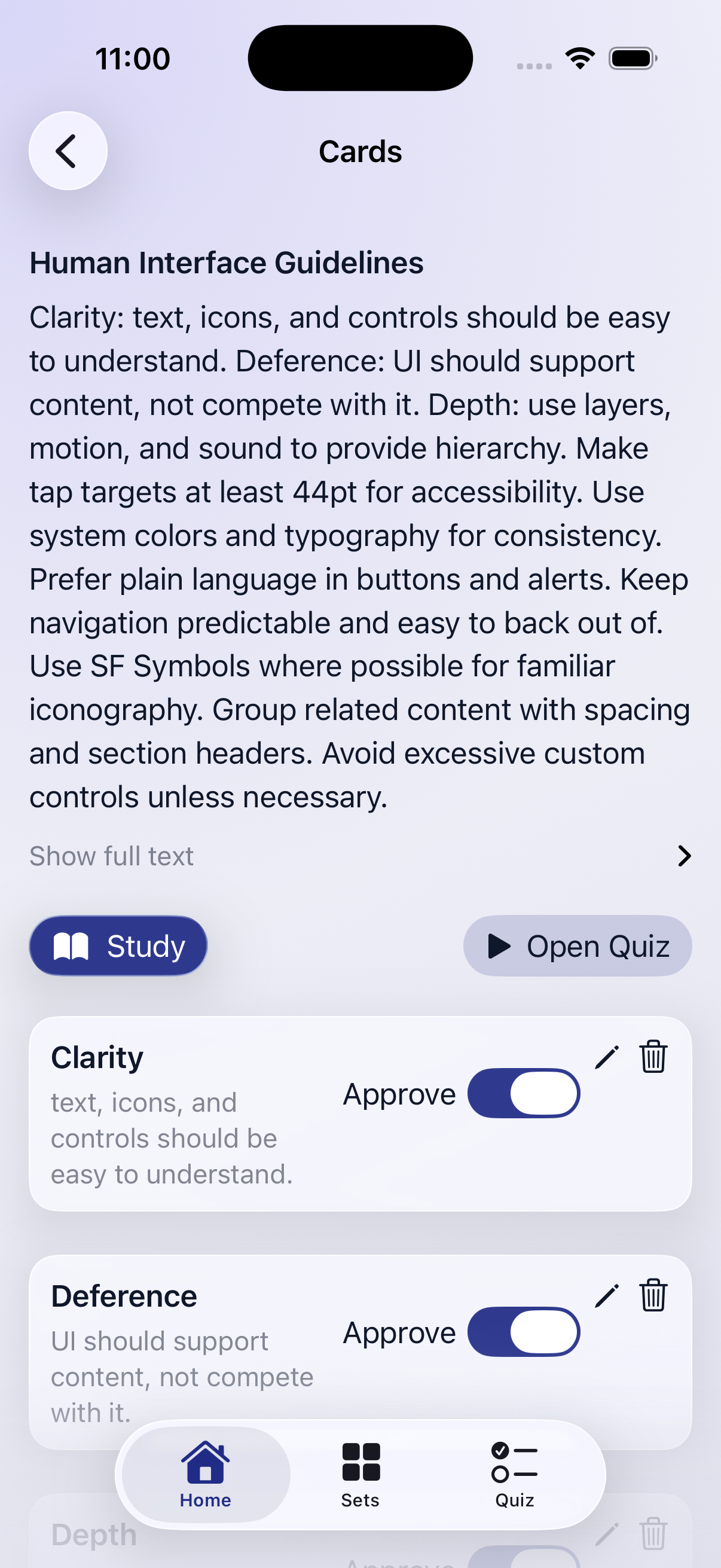
Sends scanned text to an on-device LanguageModelSession and uses the @Generable macro for structured, type-safe output, returning ready-to-review flashcard pairs without any network calls.
struct AICardGenerator {

    func generateCards(from text: String) async throws -> [Flashcard] {
        let session = LanguageModelSession()

        let prompt = """
        Analyze the following scanned text and extract the most important concepts.
        Create a set of high quality flashcards for a student.

        TEXT:
        \(text)
        """

        let response = try await session.respond(to: prompt, generating: FlashcardSetModel.self)

        return response.content.cards.map {
            Flashcard(question: $0.question, answer: $0.answer, approved: false)
        }
    }
}